
IDSnap v1.1: Beauty Mode, Formal Outfit Templates, and 50+ Country Specs
IDSnap v1.1 adds light beauty filters, formal wear overlays, 50+ country specs, multi-language support, and a home screen widget. Free on iOS.
When we launched IDSnap three weeks ago, the idea was simple: take a photo, remove the background, crop to spec, done. No servers, no subscriptions, no privacy concerns. A passport photo maker that does one thing and does it well.
Then the feedback started rolling in.
“Can you add a skin smoothing option? My photo looks too harsh under fluorescent light.”
“I need a formal photo for a job application but I’m wearing a t-shirt. Any way to add a suit?”
“I’m applying for a Brazilian visa — do you have Brazil’s spec?”
We listened. IDSnap v1.1 ships with every feature users asked for — and a few they didn’t know they wanted.
What’s New in v1.1
Light Beauty Mode
Not everyone has perfect studio lighting at home. Fluorescent bulbs create harsh shadows. Phone cameras pick up every pore and blemish. For an ID photo you’ll use on official documents for years, a little polish goes a long way.
IDSnap v1.1 adds a beauty toggle with two adjustable controls:
- Skin smoothing — Powered by CoreImage filters running entirely on your device. Smooths out minor blemishes, reduces pore visibility, and evens skin tone. Adjustable from subtle to noticeable.
- Brightness adjustment — Brighten a slightly underexposed photo without washing out colors.
The key word is light. This isn’t Instagram-filter territory. The goal is a clean, professional look that still looks like you — because that’s what government reviewers expect.
Everything stays on your device. Beauty processing uses Apple’s CoreImage framework locally. No photos are uploaded anywhere. Same privacy-first approach as every other IDSnap feature.
Formal Outfit Templates
This one solves a problem nobody talks about: you need a formal ID photo, but you’re at home in a hoodie.

IDSnap v1.1 includes 5 formal wear overlays that composite directly onto your photo in the editor:
| Template | Best For |
|---|---|
| Black Suit | Passport, visa, corporate ID |
| Navy Suit | Business headshot, LinkedIn |
| White Shirt | Clean, universal look |
| Blue Shirt | Casual professional |
| Gray Blazer | Smart casual, academic ID |
One tap to apply. The overlay aligns automatically with your shoulders and neckline. It’s a static PNG composite — no AI generation, no network requests, no waiting. What you see in the editor is exactly what you get in the export.
For job applications, company ID cards, or any situation where “dress code: business formal” applies to your photo, this saves you from changing clothes just for a headshot.
50+ Country Specifications
IDSnap launched with 12 countries. That covered the major markets, but the world is bigger than North America, Europe, and East Asia.
v1.1 expands coverage to 50+ countries across every continent:
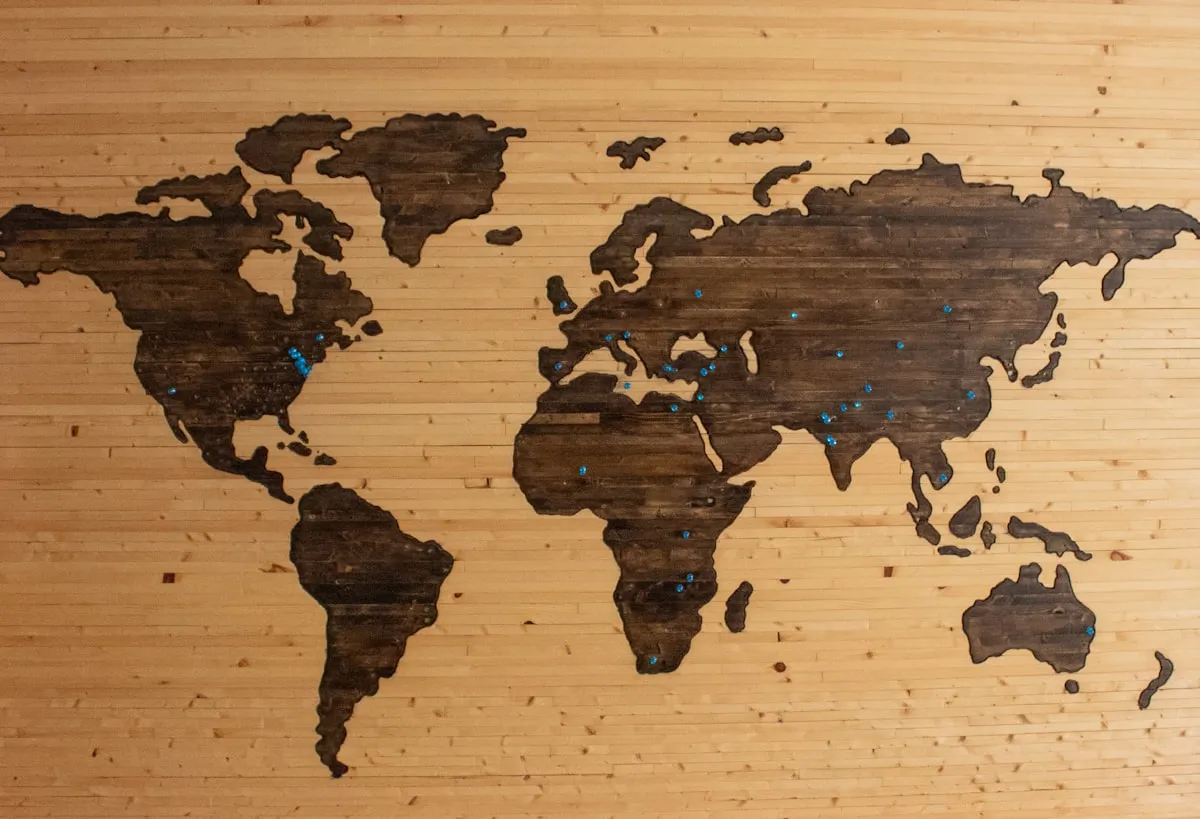
Newly added regions:
- South America — Brazil, Argentina, Colombia, Chile, Peru
- Middle East — UAE, Saudi Arabia, Israel, Turkey, Iran
- Africa — South Africa, Nigeria, Egypt, Kenya, Morocco
- Additional Asia & Europe — Expanded specs for Southeast Asia, Central Europe, and more
The spec picker is now organized by region with a search bar, so you can find any country in seconds. Each specification includes the exact dimensions, background color requirement, head-to-frame ratio, and resolution standard.
Traveling internationally? Switch between passport specs, visa specs, and national ID specs for any country — all in the same session. Export as many versions as you need.
| Region | Countries Added | Example Specs |
|---|---|---|
| South America | 5 | Brazil 50×70mm, Argentina 40×40mm |
| Middle East | 5 | UAE 43×55mm, Saudi 40×60mm |
| Africa | 5 | South Africa 35×45mm, Nigeria 35×45mm |
| Asia (expanded) | 8+ | Vietnam 40×60mm, Thailand 35×45mm |
| Europe (expanded) | 5+ | Poland 35×45mm, Czech Republic 35×45mm |
Multi-Language Support
IDSnap now speaks 7 languages:
- English
- 简体中文 (Simplified Chinese)
- 日本語 (Japanese)
- 한국어 (Korean)
- Español (Spanish)
- Français (French)
- Deutsch (German)
The app auto-detects your iPhone’s language setting. Every label, button, instruction, and country name is fully localized — not just the UI chrome.
Home Screen Widget
For frequent users — HR departments, photographers, travel agencies, or anyone who takes ID photos regularly — v1.1 adds an iOS home screen widget.
One tap on the widget launches IDSnap’s camera directly. No app browsing, no loading screen, no navigation. Open camera → take photo → edit → export. The fastest path from “I need a photo” to “here’s your photo.”
Redesigned Editor
The editor interface has been rebuilt around a tab-based control panel:
- Background tab — Horizontal color picker with new options: light blue, navy, blue gradient, and gray gradient. Color labels and gradient previews make selection intuitive.
- Beauty tab — Toggle switch with smoothing and brightness sliders.
- Outfit tab — Visual template picker with preview thumbnails.
The three tabs keep the editor clean even with significantly more features. You see only what you’re working on.
Still Free. Still Private.
The v1.1 features — beauty mode, outfit templates, 50+ country specs, multi-language, widget — are all free. No subscriptions, no per-photo charges, no premium tier.
And the privacy architecture hasn’t changed:
- 100% on-device processing using Apple Vision and CoreImage frameworks
- Zero server uploads — your photos never leave your iPhone
- Zero data collection — we don’t track usage, photos, or personal information
- No account required — open the app and start immediately
Your face is biometric data tied to your legal identity. We believe it should never touch a server you don’t control.
Update Now
IDSnap v1.1 is available now as a free update on the App Store. If you already have IDSnap, open the App Store and update. If you’re new, download it here:
Download IDSnap free on the App Store →
Also from CrocLab:
FAQ
Q: Is the beauty mode too heavy? Will my photo look fake? A: No. IDSnap’s beauty mode is intentionally subtle — it smooths minor blemishes and evens skin tone without altering your appearance. Government ID photos need to look like you. The adjustable slider lets you find the right balance.
Q: Do the outfit templates look realistic? A: The templates are designed to blend naturally with common photo backgrounds (white, blue, gray). They work best with front-facing photos taken from chest level up. The overlay aligns with your shoulders automatically.
Q: Are all 50+ country specs accurate? A: Yes. Each specification follows the official government requirements for that country’s passport, visa, or national ID. We reference the published standards from each country’s immigration or identity authority.
Q: Does the widget require any setup? A: No. After updating to v1.1, the IDSnap widget appears in your widget gallery. Add it to your home screen and it works immediately — one tap to launch the camera.
Q: Is v1.1 still free? A: Yes, completely free. All new features — beauty mode, outfit templates, expanded country specs, multi-language, widget — are included at no cost. The app is supported by non-intrusive ads.
Related Articles
How to Take a Professional Resume Photo at Home for Free in 2026
A professional resume photo doesn't require a studio. Learn the exact lighting, background, and framing setup to take a job-winning headshot at home with your phone.
PhotographyHow to Take a Professional LinkedIn Headshot at Home for Free in 2026
A studio headshot costs $150–$400. Here's how to take a LinkedIn-quality professional photo at home with your iPhone — lighting, posing, background, and free tools included.
PhotographyHow to Take a Baby or Child Passport Photo at Home in 2026
Babies can't sit still, can't follow instructions, and won't keep their eyes open on cue. Here's how to get a passport photo for your baby or child that actually passes the first time — without a $30 photo booth.
Try IDSnap
Free ID photo maker powered by on-device AI. Take or pick a photo, auto-detect your face, swap the background, and export print-ready passport photos — all without uploading anything.